Loading page…

CASE STUDY
.svg) Java
Java MySQL
MySQL Android
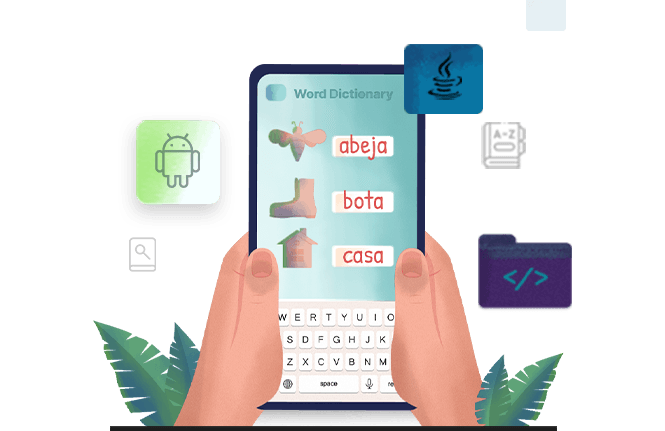
The client wanted an app to serve as an offline dictionary for Android. It didn’t necessarily have to be a complex app--just the opposite, in fact. The client wanted a user-friendly program.
When designing the app, user-friendliness was kept in mind. It’s a small, simple application that busy users will find convenient, as they can quickly pull it out and look up a word without missing a beat.
While developing this app, we had to keep in mind the primary requirement of our client, which was to make it user-friendly. Our team members discussed amongst themselves and came up with a simple application which included two buttons, namely, Full Version and Manual.
In the Manual version, a user can simply type in a word in the search bar to get multiple dictionary definitions. The best part is that several suggested options will appear in the drop down as soon as the user types in a word in the search bar, for example, if he types the word ‘book’, options such as ‘bookkeeper’ and ‘bookmark’ will appear in the drop down.
Once the user selects the word he is searching for, the app will show several dictionary definitions. In the Full Version, as soon as the user scans the word using a native camera, the app will show multiple dictionary definitions of the word that is scanned.
It is a small application. It’s home screen is only two buttons: Full Version and Manual
Fill Out the Form and Get Guaranteed Response Within 24 Hours
Expert guidance you can trust. No pitch, just expert solutions.