Loading page…

CASE STUDY
 HTML5
HTML5 PHP
PHP iOS
iOS Android
 Magento
A kosher shopping platform currently serving parts of New York and New Jersey. Its developers are a group of entrepreneurs committed to serving thousands of on-the-go kosher consumers, whether the consumer is ordering from home or refueling during travels.
To make kosher shopping easy and accessible, provide superior customer service, and connect consumers to local grocers and supermarkets selling kosher items while eliminating the hassles of aisles-walking, long checkouts, and shopping in unfamiliar locations.
This accessibility is continued in the product prices, which are no higher than in-store. The app also acts as a log for a user's shopping history, making the experience faster and more convenient with consecutive use.
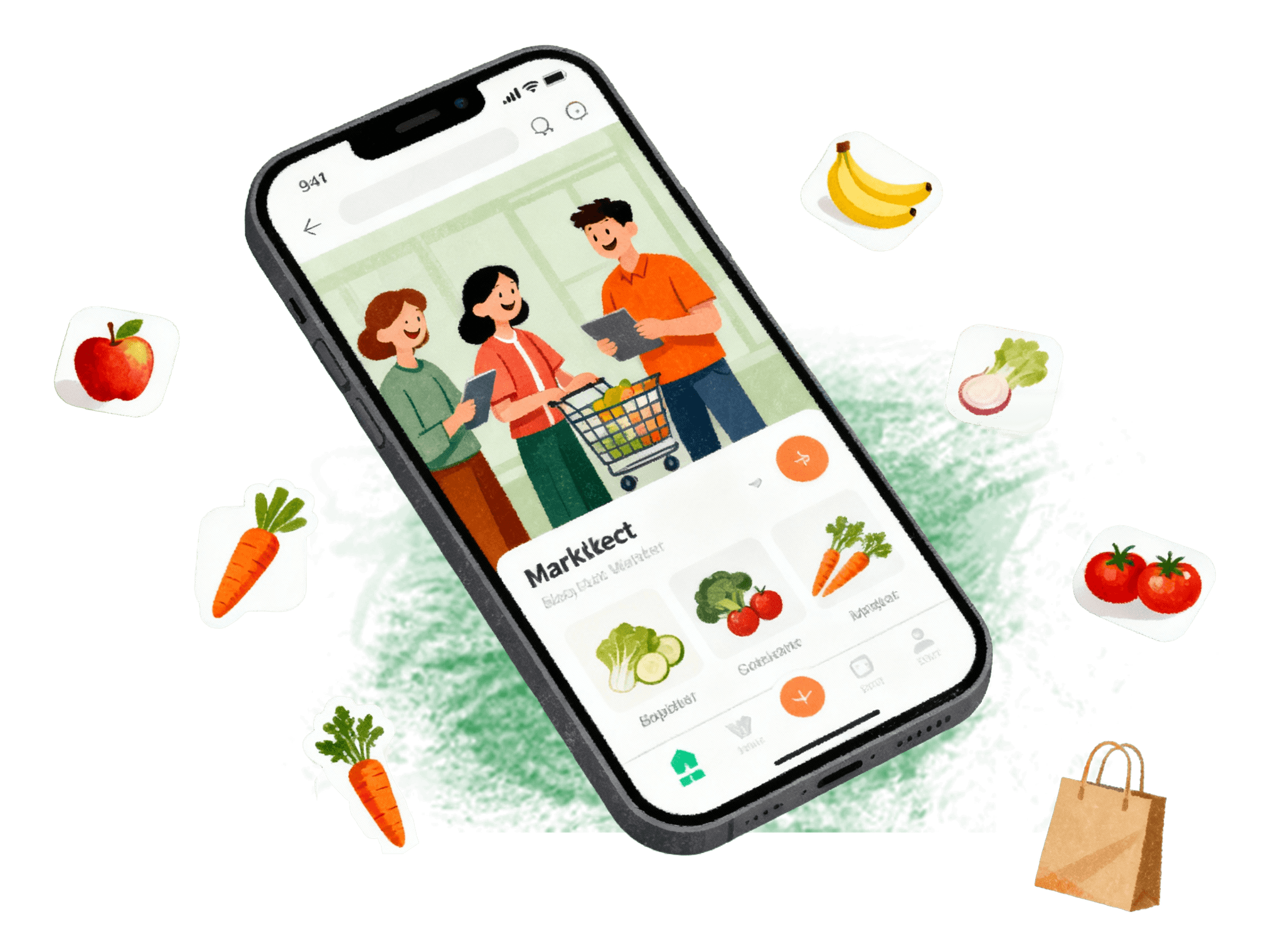
It is an android and iPhone compatible user app that allows registered user to view local retailers' products and place, pay for, and have orders delivered to their door without having to fight traffic or lug heavy bags to and from their cars.
This accessibility is continued in the product prices, which are no higher than in-store. The app also acts as a log for a user's shopping history, making the experience faster and more convenient with consecutive use.
The shopper downloads the app, then enters their zipcode in the space provided. The app displays all nearby registered grocery stores and supermarkets, along with the delivery time and total cost of any pending orders at a particular store. If a shopper has not signed into the app, they will be asked to do so before accessing a store's page.
Once a shopper has signed in and selected a store they can view the store's page, which has many features to facilitate the shopping experience. At the top of a page is a countdown which tells the shopper how much time they have to make an order and meet the next delivery slot deadline. Below that is the Chat with Us option, so that a user can access the app’s in-house team at any time during their shopping experience.
A shopper can switch stores in their area; a pop-up box will ensure the shopper means to leave a particular store for another.
This option shows the shopper a list of the store's departments, such as bakery, deli, produce, etc. At the top of the page a shopper can press a particular department to see only those types of products. When a department has been selected. the products (bakery > bread, rolls, pastries, etc) appear as headings, with the various brand goods and their image and price displayed below. At this point a shopper can select an item and the desired quantity, and press a cart icon to add it to their order. If a shopper needs to search for an item they can enter it into the top search bar, or they can press the Can't Find option, which also allows them to search by product name or department.
When a shopper selects My Orders they view their order history and recent purchases. The orders are displayed with the order number, total amount spent, and delivery date. If a shopper clicks on an order, the items picked and prices are displayed, as well as an option to see products that were out-of-stock at the time of ordering.
This alerts shoppers to any upcoming or ongoing sales advertised by the app registered retailers.
A shopper clicks on their Cart to see what items they are currently ordering. From this menu a shopper can adjust the quantity of an item being purchased, as well as see the adjusted price. At the bottom of the screen is the cart subtotal, the shipping fee, and the total cost. Then the shopper can proceed to the checkout.
At the checkout page the shopper double-checks their delivery address and edits their delivery time slot, if desired. They review their billing information and order summary, as well as log any items they didn't find while shopping the site. Then they can enter any coupon codes, details of the items not found, and a general message to the deliverer. Once a shopper has reviewed all their checkout information, they press Place My Order.
This feature allows customers to apply coupons to their order. These are flexible coupons (pricing rules), and the admin has the ability to restrict coupon generation to certain stores, customer type, and time period.
When a shopper on the Checkout page chooses to edit the delivery time slot of their order, they are taken to this page which shows the upcoming available delivery slots and the date and time cutoff for making that time slot. The shopper can select from the available delivery slots to fit their convenience.
Fill Out the Form and Get Guaranteed Response Within 24 Hours
Expert guidance you can trust. No pitch, just expert solutions.